Configure quota scoring
Add a quota competition layer with a Stableford scale, base quota, decimals, recent adjustment, and approved player overrides.
Coverage matchQuota Settings
The process
Do it in three checks
- 01
Open the right area
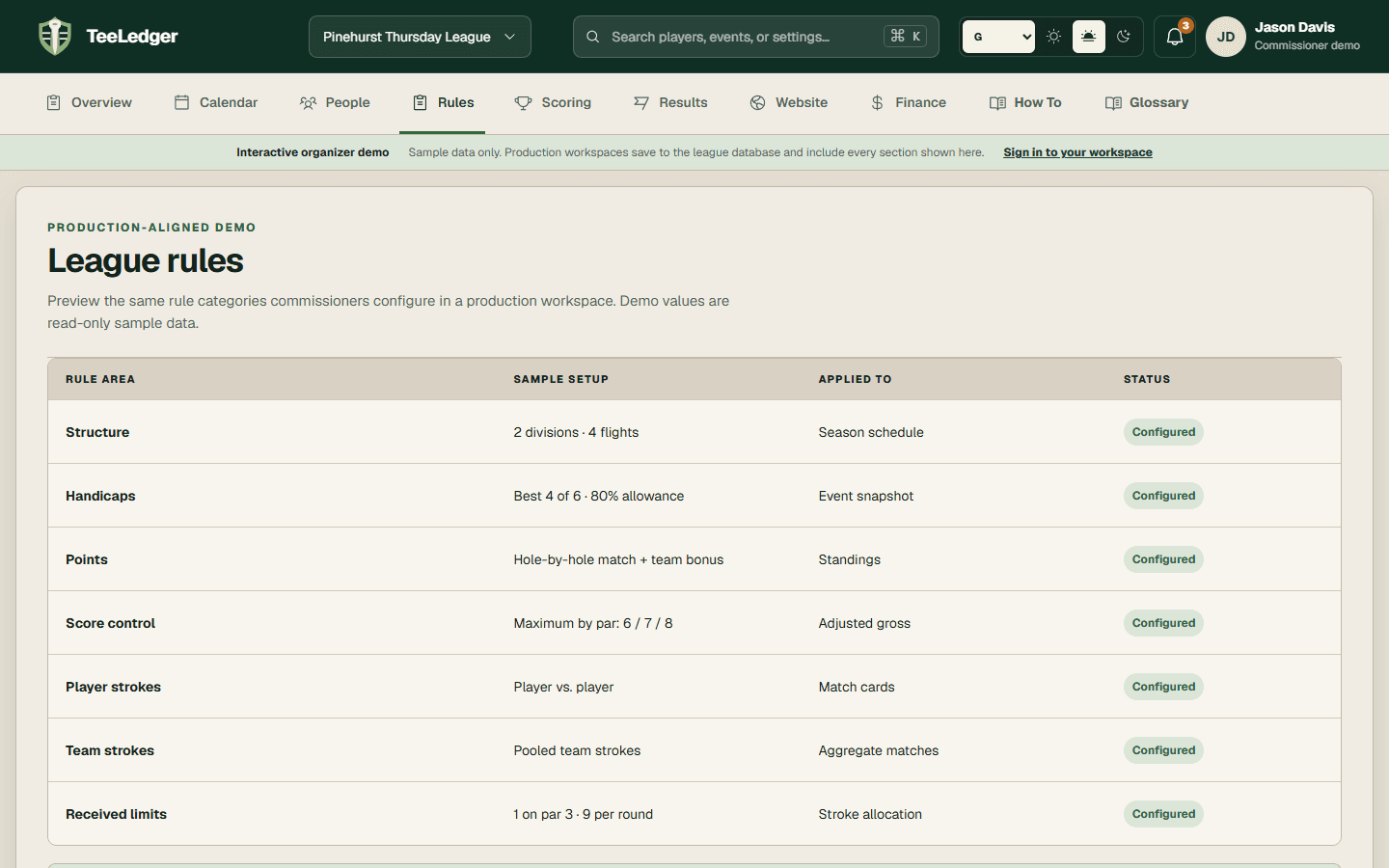
Go to Rules, then Advanced scoring policy in the active league.
- 02
Complete the action
Add a quota layer, set its point scale and base, choose decimal behavior, and save the scoring policy.
- 03
Verify the result
Finalize a sample result and confirm the trace shows Stableford points compared with the saved quota.