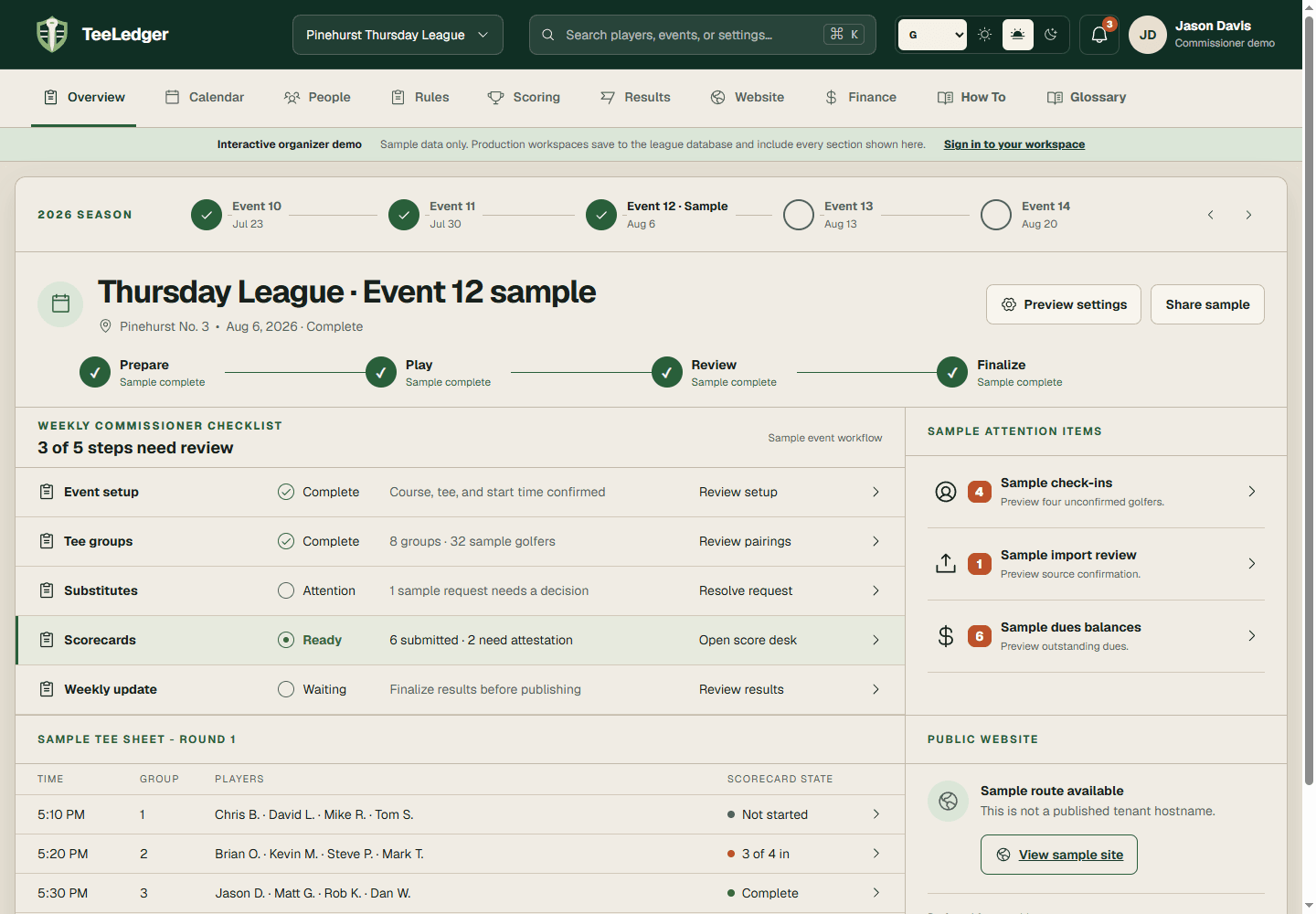
Create, edit, or retire a league
Create a league through onboarding, edit its saved identity and season settings, and use a deliberate support-reviewed path for permanent removal.
Coverage matchCreate | Edit | Delete League
The process
Do it in three checks
- 01
Open the right area
Go to Start a league or League settings in the active league.
- 02
Complete the action
Create or update the league name, website address, timezone, season dates, format, and course; verify the address before saving.
- 03
Verify the result
Confirm the league appears in the league switcher and its public address opens the intended tenant.