Publish event play information
TeeLedger places tee groups, matchups, check-in counts, and event status on each public event page instead of a separate Play tab.
Coverage matchPlay Tab
The process
Do it in three checks
- 01
Open the right area
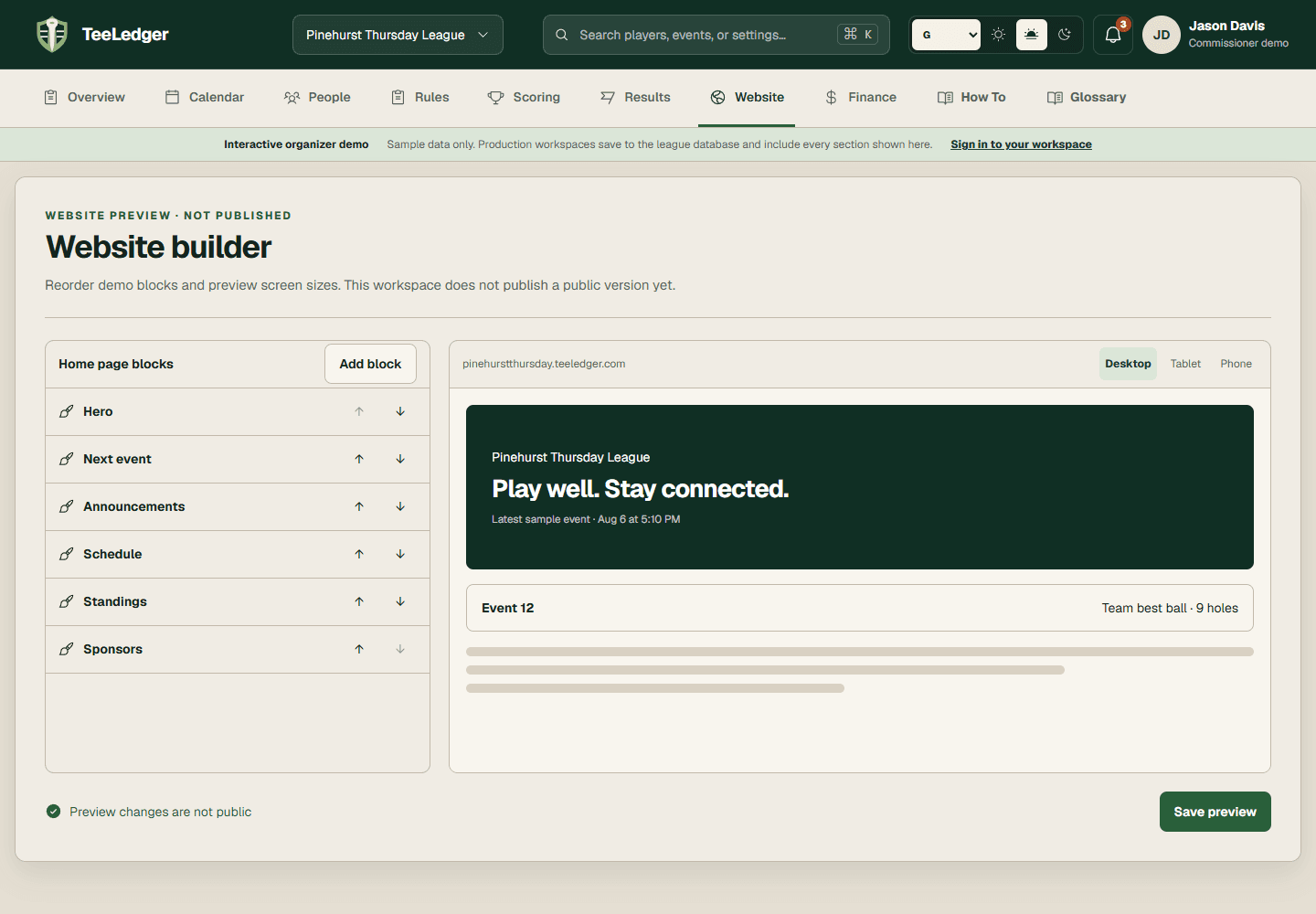
Go to Calendar and Website in the active league.
- 02
Complete the action
Prepare the event, generate pairings, choose roster visibility, and publish the latest site snapshot.
- 03
Verify the result
Open the event from the public schedule and confirm the published tee groups match the event desk.