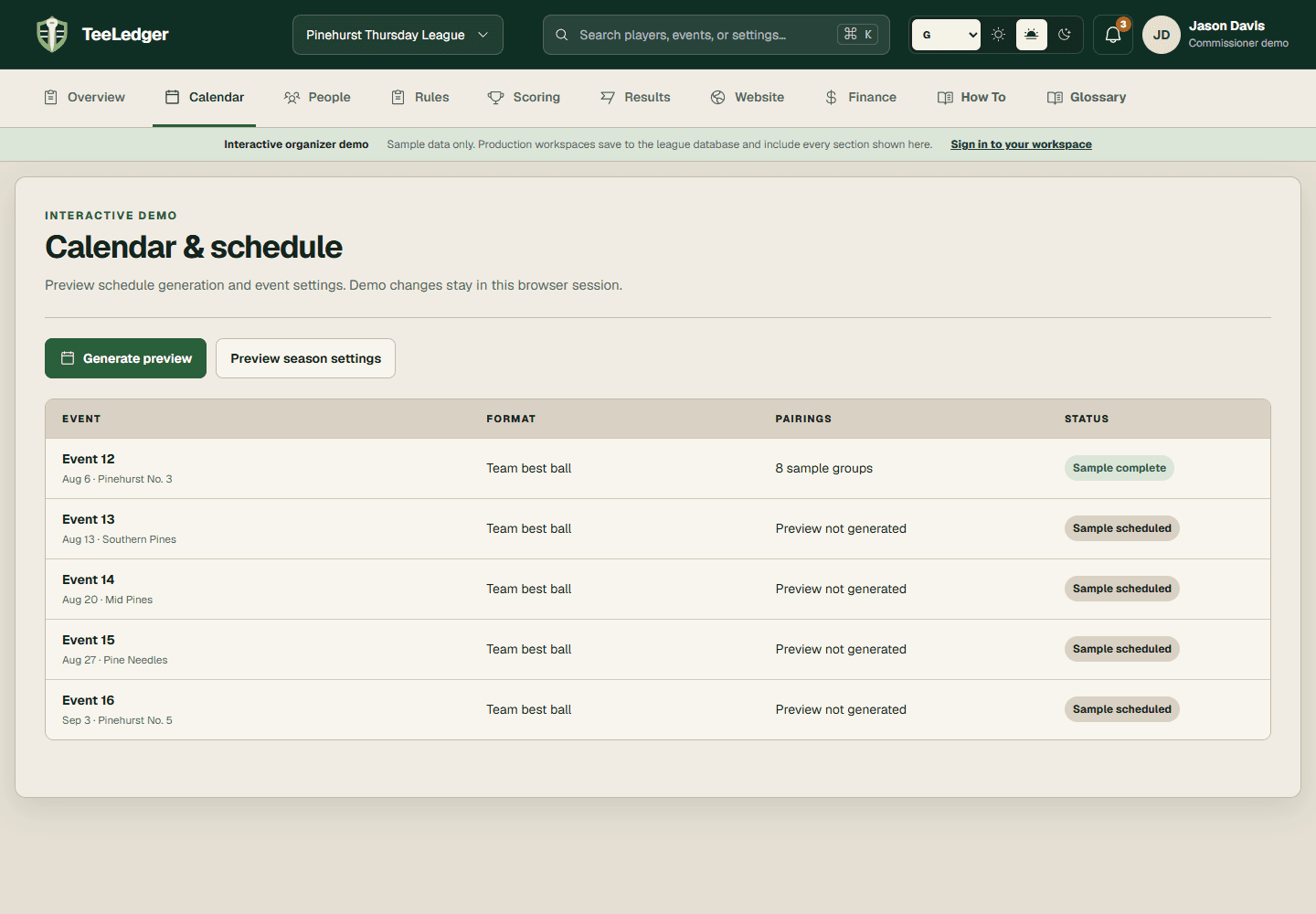
Add or build events manually
Create a single event or supplement a generated schedule without renumbering finalized history.
Coverage matchManually Insert Event or Build Schedule
The process
Do it in three checks
- 01
Open the right area
Go to Calendar in the active league.
- 02
Complete the action
Add the date, course, tee, holes, format, and first tee time, then save the event in draft status.
- 03
Verify the result
Confirm the new event appears in the correct chronological and sequence position.