Edit event details
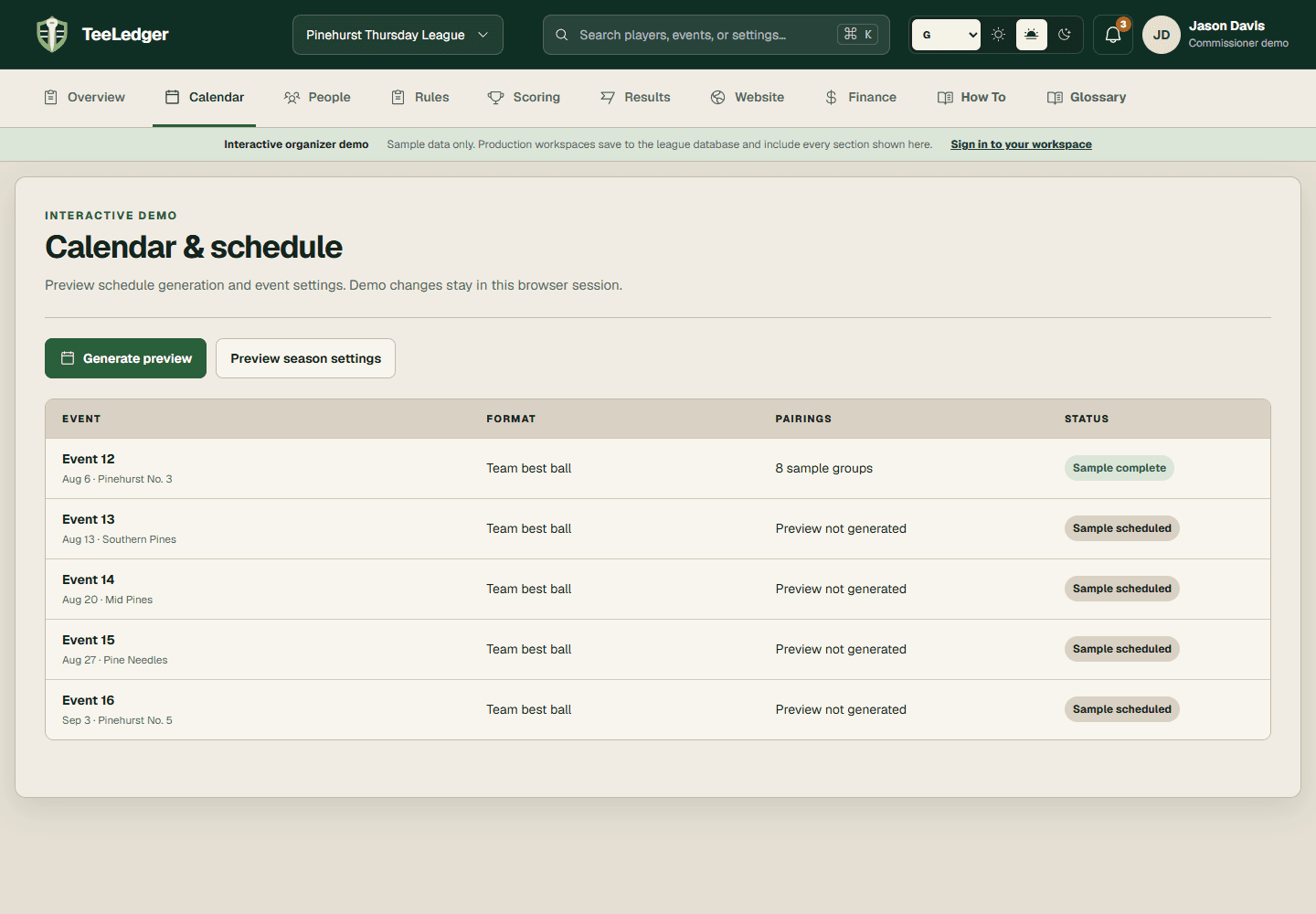
Update a future event's date, course, tee, time, holes, or format before its rule snapshot and scorecards are locked.
Coverage matchEdit | Change Event Information
The process
Do it in three checks
- 01
Open the right area
Go to Calendar, then select the event in the active league.
- 02
Complete the action
Edit the permitted setup fields and save the event.
- 03
Verify the result
Review pairings and printed cards again if the course, tee, start time, or holes changed.