Configure player dues
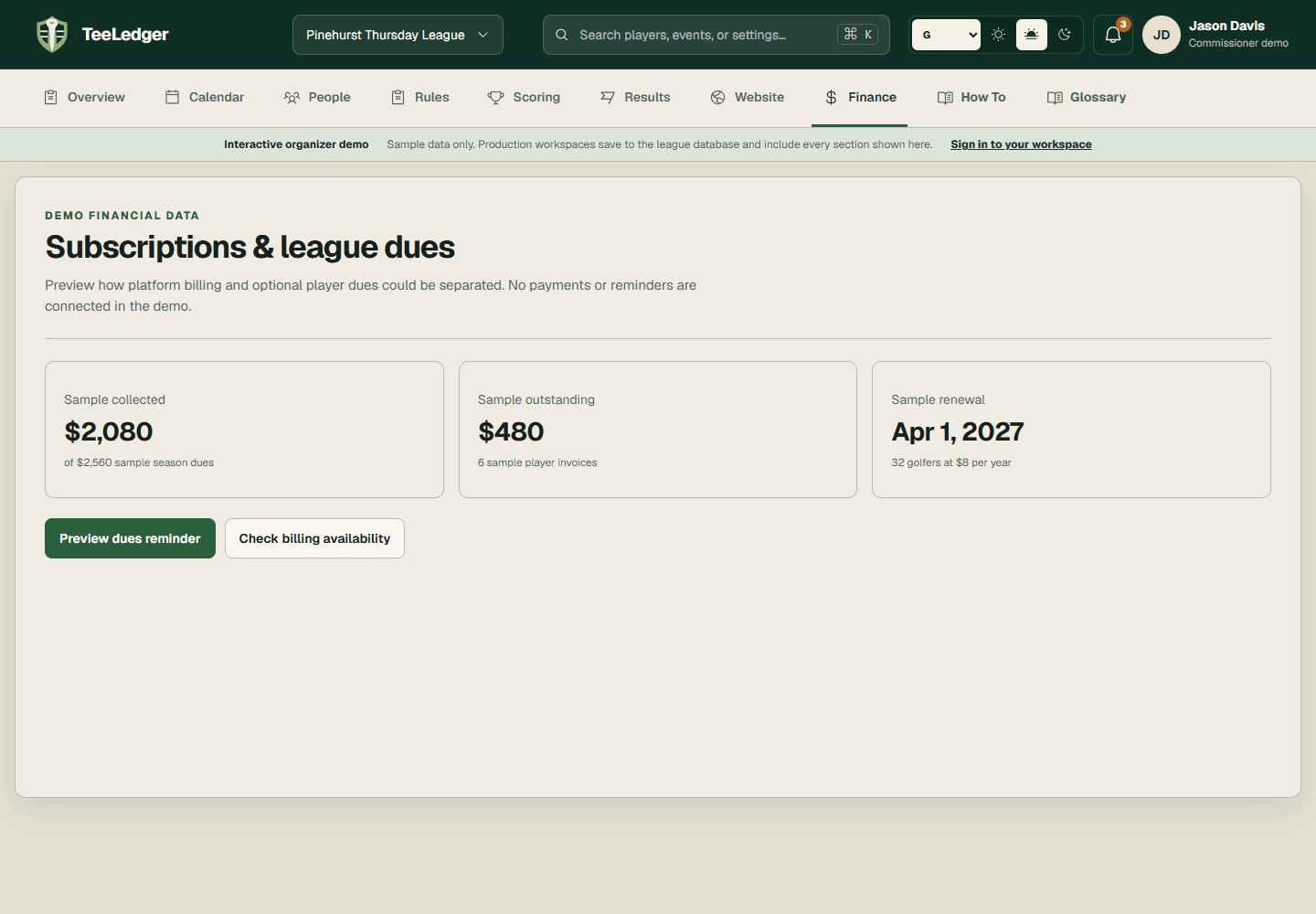
Define whether the league collects dues, the amount, due date, fee items, and reminder policy.
Coverage matchSet player payment settings
The process
Do it in three checks
- 01
Open the right area
Go to Finance settings in the active league.
- 02
Complete the action
Save the season fee items and due dates before generating player invoices.
- 03
Verify the result
Preview the invoice set and confirm substitutes or waived golfers are treated according to league policy.