Review who has paid
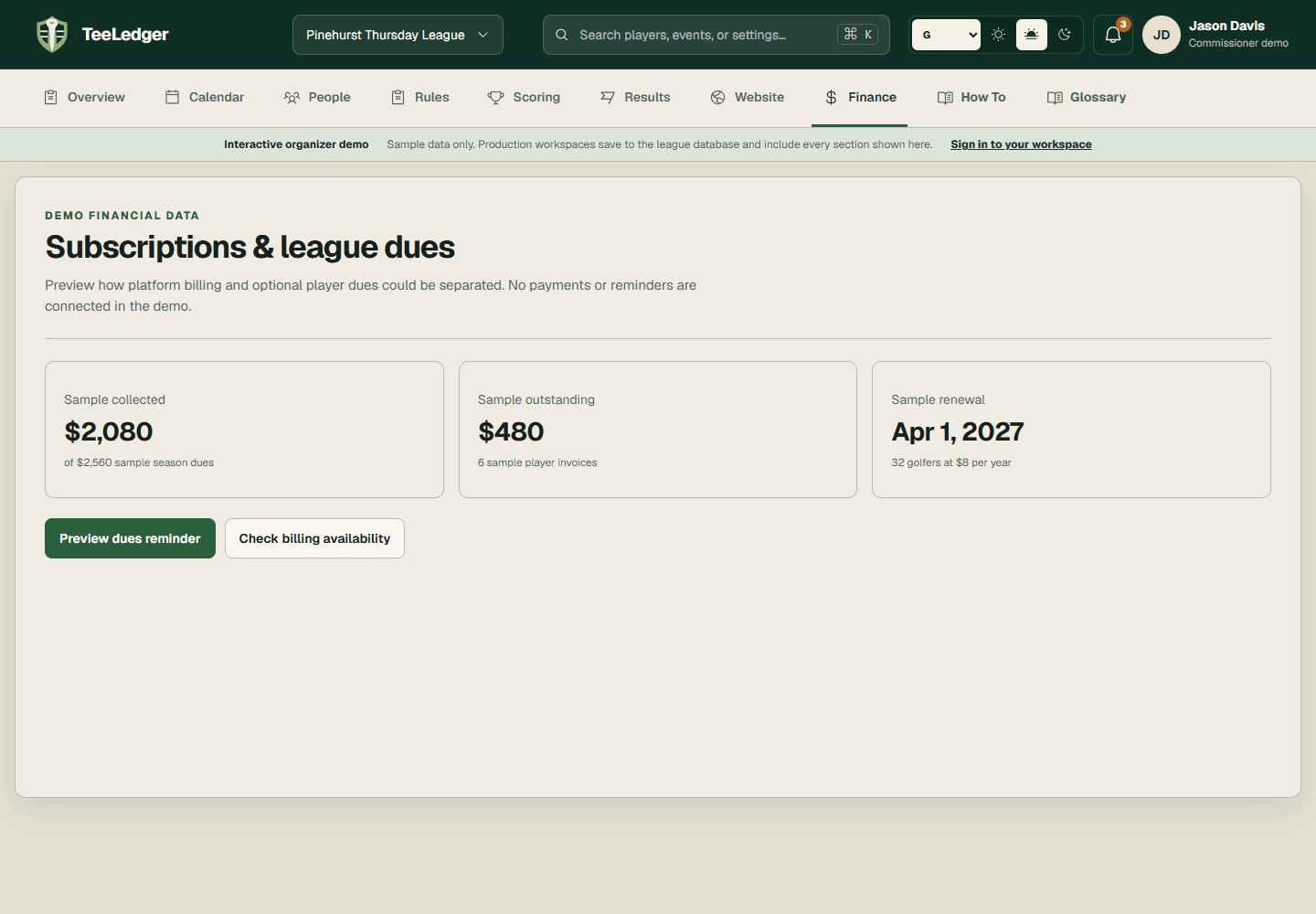
Filter the finance ledger by paid, open, overdue, waived, or adjusted status.
Coverage matchCheck to see which players have paid
The process
Do it in three checks
- 01
Open the right area
Go to Finance in the active league.
- 02
Complete the action
Review the player ledger and open any balance that needs supporting transaction detail.
- 03
Verify the result
Export or reconcile the list before sending reminders or closing the season.