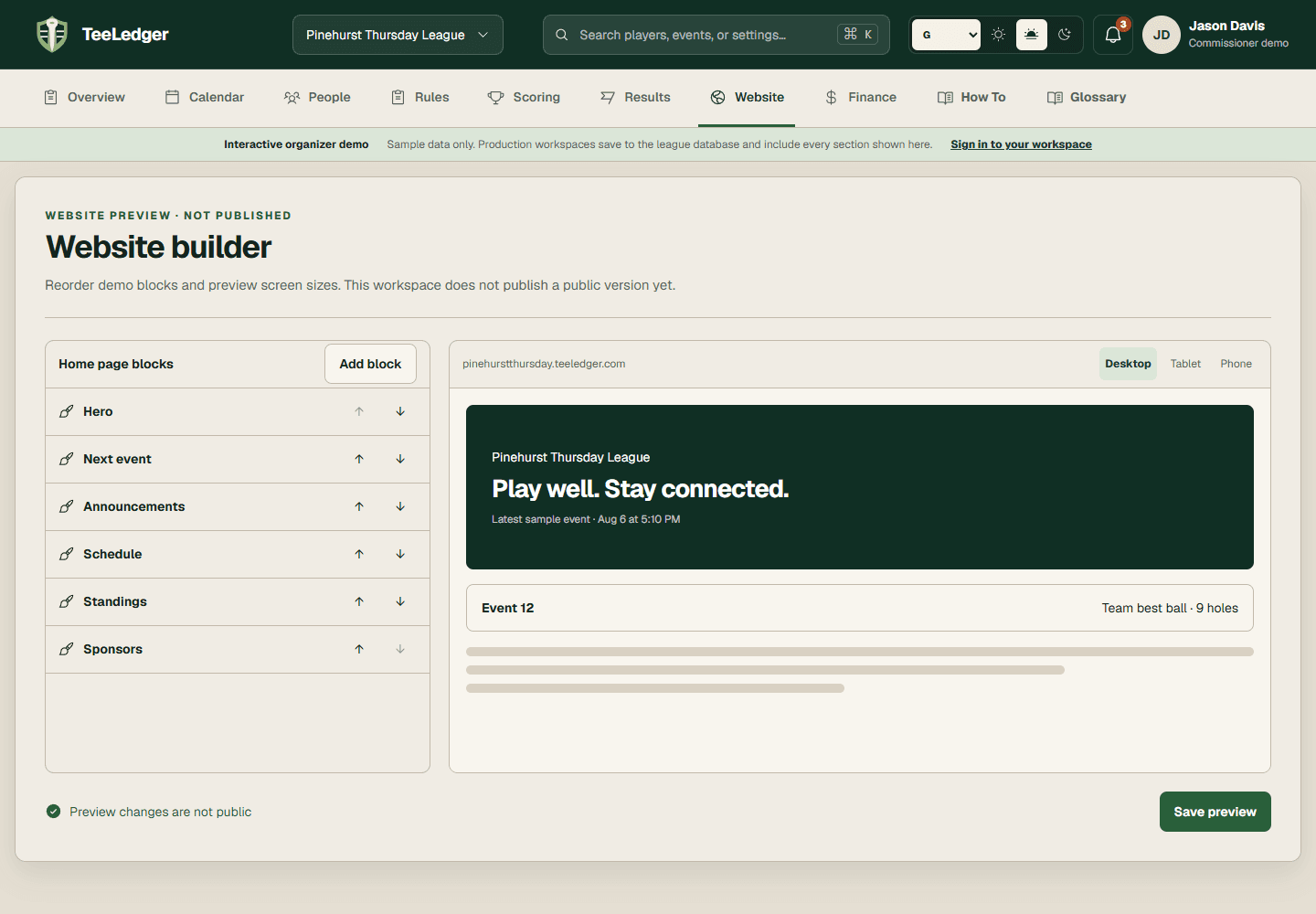
Customize the public header and footer
Set shared public navigation, branding, sign-in links, resources, and footer destinations for the league site.
Coverage matchWebsite Tab [Header | Footer]
The process
Do it in three checks
- 01
Open the right area
Go to Website in the active league.
- 02
Complete the action
Choose the theme and published resources, then review the generated header and footer in each preview size.
- 03
Verify the result
Confirm navigation stays usable on desktop and phone and every external link opens correctly.