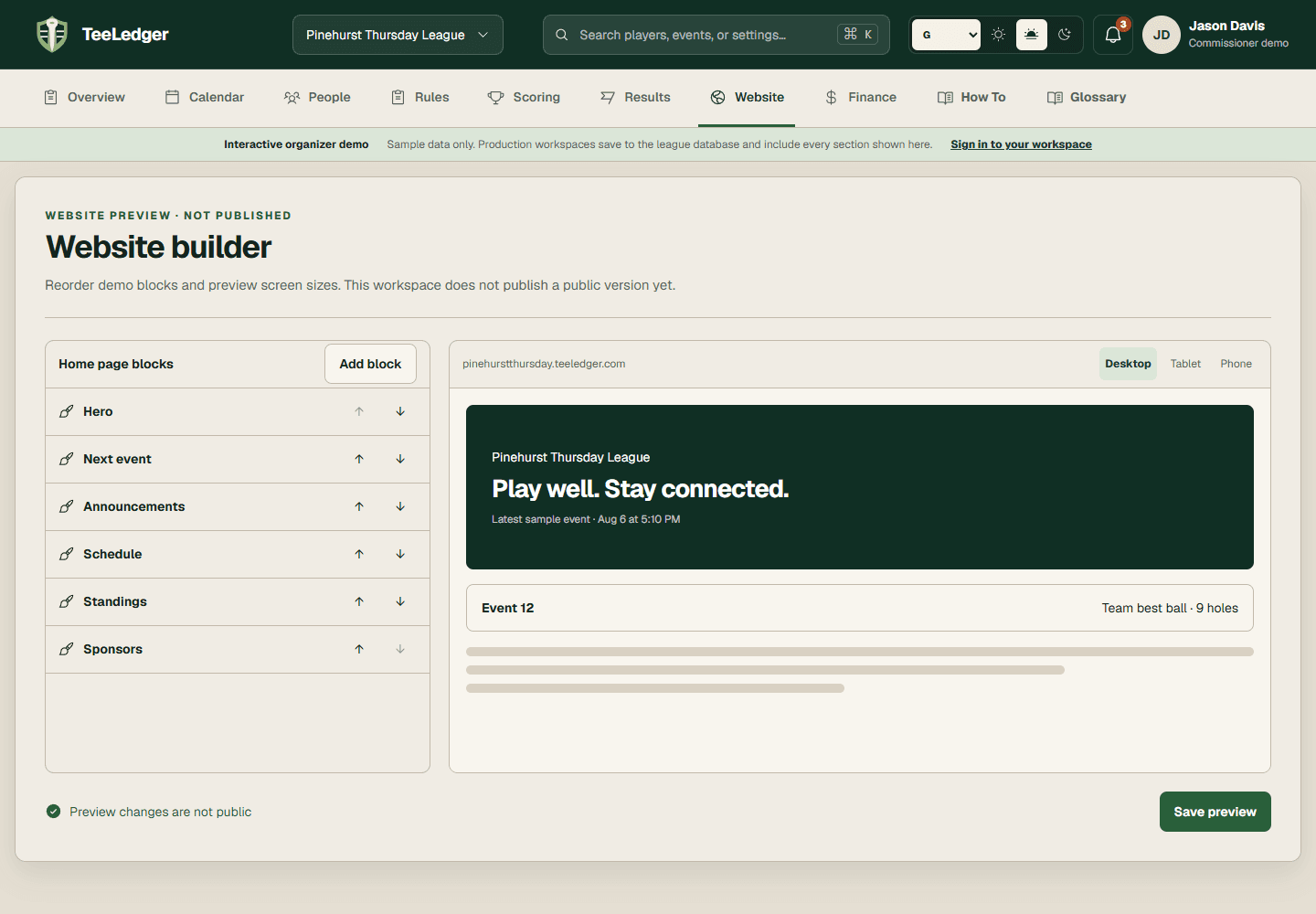
Publish documents and links
Upload league documents or add approved external links with a title, visibility, and public placement.
Coverage matchCustom Documents and Links
The process
Do it in three checks
- 01
Open the right area
Go to Website resources in the active league.
- 02
Complete the action
Add the file or URL, label it clearly, select its visibility, and include it in the next publication.
- 03
Verify the result
Open the resource from the public site and confirm the file, URL, and access level are correct.